Integrate Enbank
- 5 minutes to integrate
Download the Enbank plugin.
Download pluginIntegration
Go to your wordpress dashboard
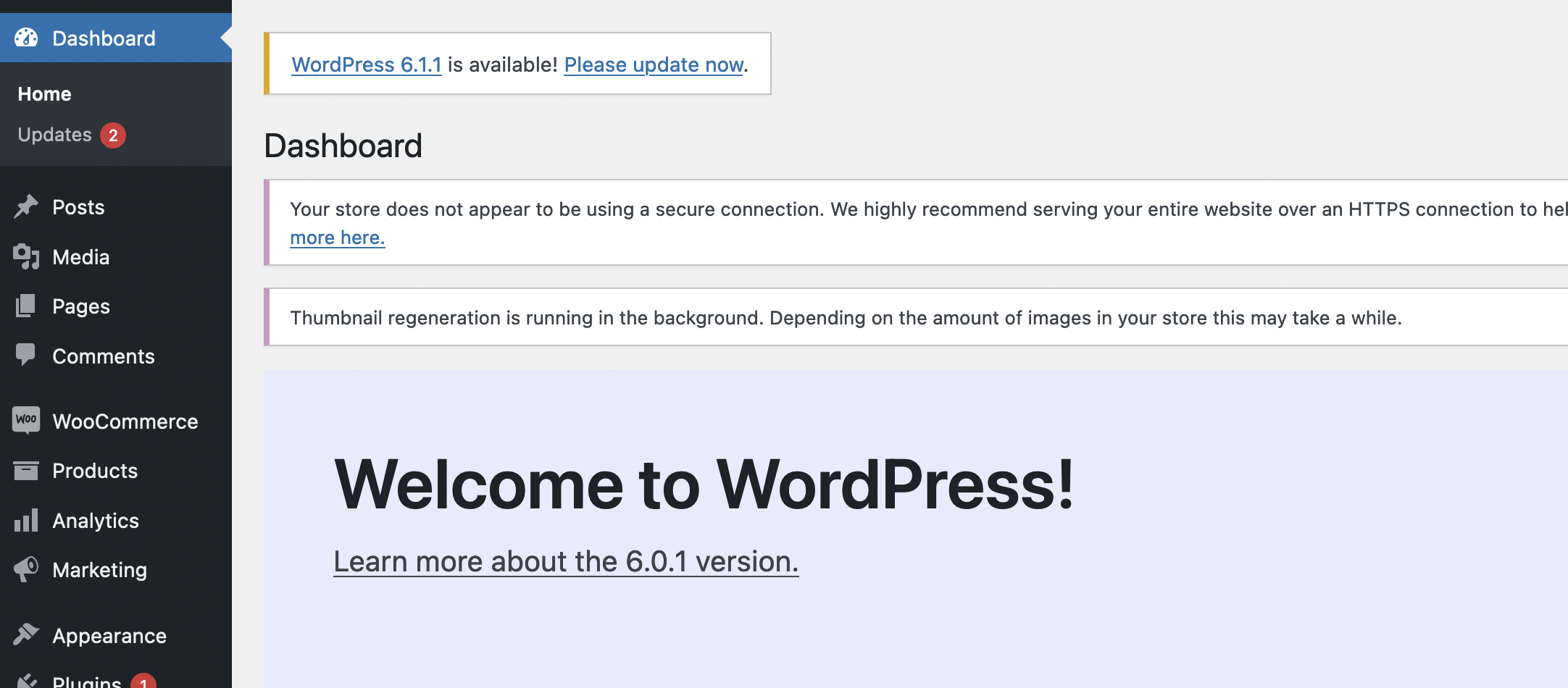
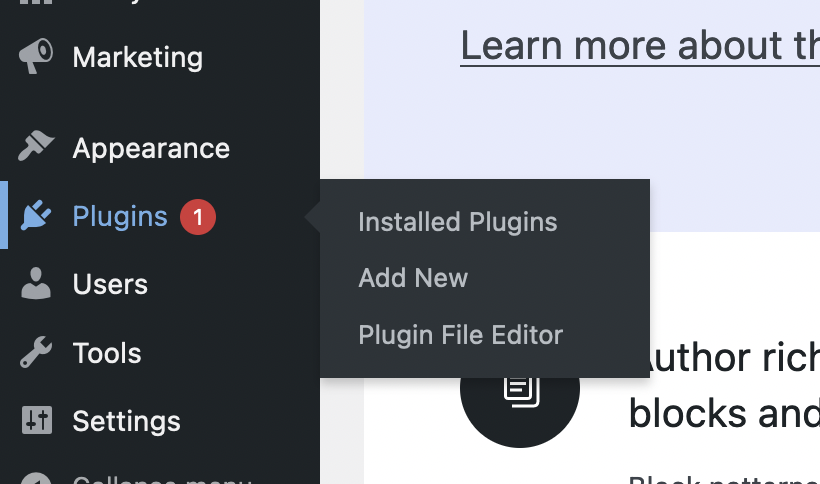
Then navigate to Plugin, and click 'Add New'
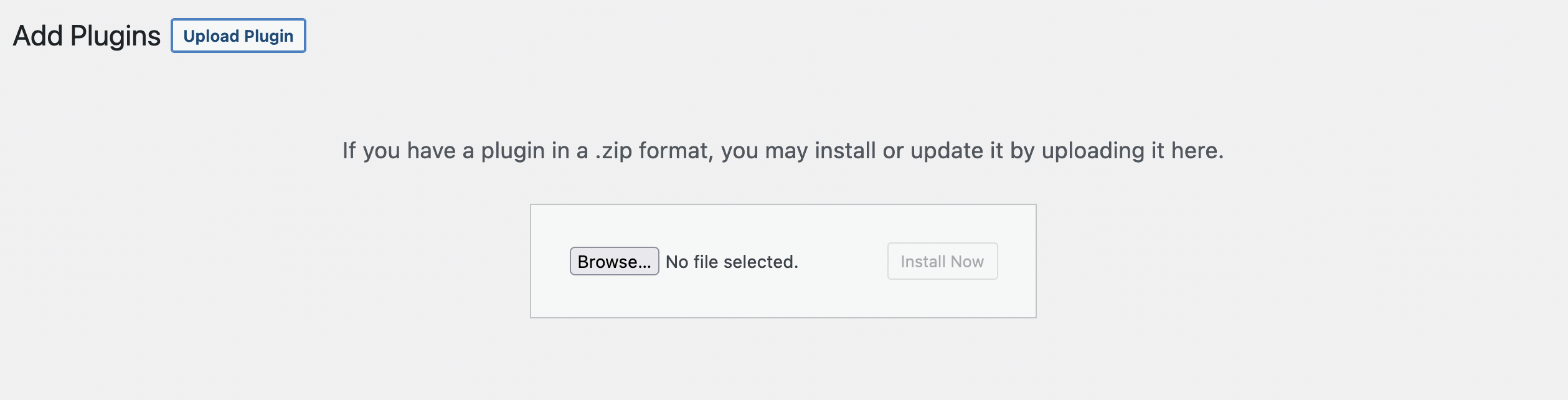
Then click upload plugin and find the enbank-plugin.zip file on ypur computer an upload it.
After you upload the enbank-plugin.zip go back again to Plugins and click 'Intalled Plugins' and click 'Activate' to activate the Enbank plugin.

After that then navigate to 'Woocommerce -> Settings' in the dashboard menu.

Then go to the 'Payments' tab
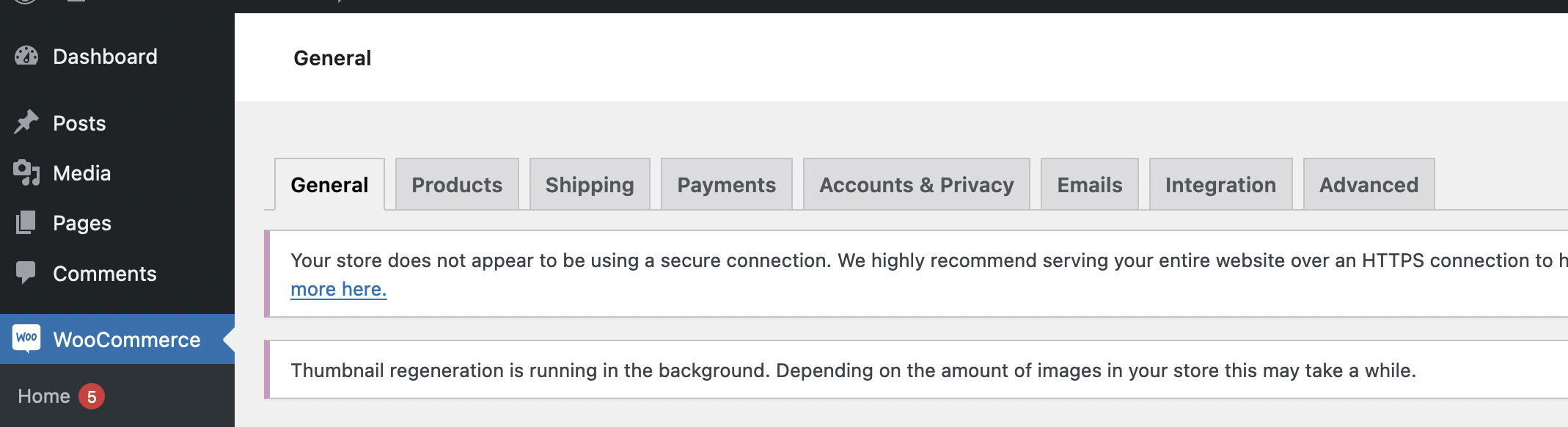
After that active Enbank as a payment method on your website


Configuration
Go to 'Woocommerce -> Settings -> Payments' find the Enbank payment method and click 'Manage'.
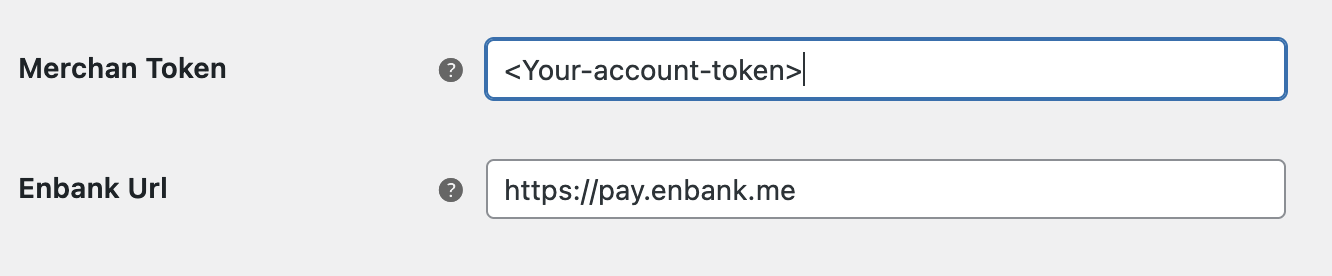
Replace the value in Enbank Url with 'https://pay.enbank.me' and Merchant Token with you Account token.

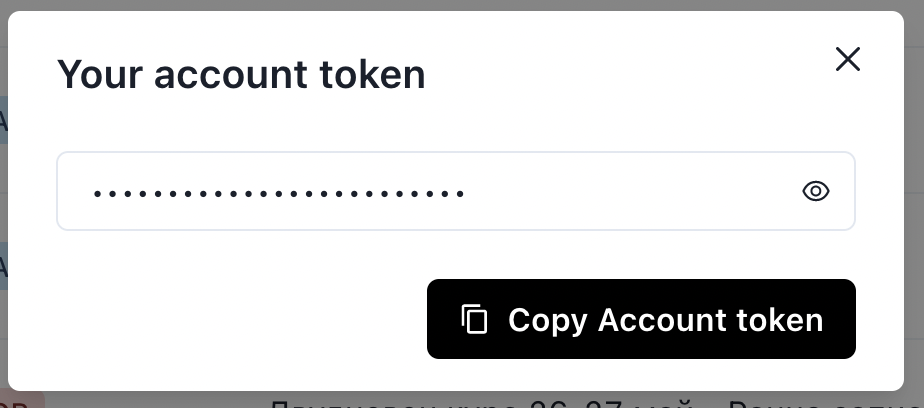
In order to find your Account token go to Enbank then click the menu in the upper right corner and click Account token. After that you can copy the token.

After that you can copy the token.
And that's everything